The Founder’s Guide to Startup Accounting (2026 Playbook)
On this page 37 sections

You're three months into your startup. Revenue is trickling in. You've got five SaaS subscriptions charging different cards, a contractor billing you in USD, and payment gateway settlements landing in your account two days after customers pay.
Your co-founder just Venmo'd you for that AWS bill they covered.
And now your investor wants to see your burn rate.
You open your bank account. The balance looks... fine? But you have no idea if you're actually profitable, what your runway is, or whether that ₹2 lakh sitting there is real money or just an advance payment you'll need to refund next month.
Here's the promise: By the end of this guide, you'll understand exactly how to set up startup accounting so your numbers actually mean something—and you'll know what to track every single month without drowning in spreadsheets.
What Startup Accounting Actually Is (And Why It's Not Just "Bookkeeping")

Startup accounting is the system that tracks where money comes from, where it goes, and what that means for your runway and growth.
It's not about tax season paperwork. It's about answering questions like:
- Can I afford to hire someone next month?
- Am I spending too much on tools I don't use?
- How long can I operate before I need more funding?
Most startups use 10–20 recurring subscription tools before they even hit product-market fit. Every tool charges a different date. Some bill annually. Payment gateways hold settlements for 2–3 days. Refunds create negative entries. Contractors invoice in different currencies.
Without a proper accounting setup, your bank balance becomes meaningless. You think you have cash, but you've already committed it to payroll, cloud hosting, and that annual Notion subscription you forgot about.
At ProfitBooks, we see this pattern constantly: founders wait until they're raising a round or filing taxes to "clean up" their books. By then, they're trying to reconstruct six months of messy transactions from memory.
The fix is simple: set up the right structure early, then spend 30 minutes a month maintaining it.
Practical takeaway: Accounting isn't compliance overhead. It's the operating system that tells you whether your startup is actually working.
The #1 Confusion: Cash in Bank vs. Actual Profit
Here's the scenario that breaks most founders' brains:
You land a ₹5 lakh annual contract. The client pays upfront. Your bank account jumps by ₹5 lakh. Are you ₹5 lakh richer? No.
That's unearned revenue. You haven't delivered the service yet. If you spent that entire amount today and the client asked for a refund next month, you'd be in serious trouble.
This is the cash vs. profit gap. Cash flow tracks money moving in and out of your bank account. Profit tracks whether you're actually earning more than you're spending after accounting for obligations.
Common cash-positive, profit-negative situations:
- Annual subscriptions paid upfront: You have the cash, but you earn it monthly as you deliver the service
- Invoice sent but not paid: You recorded revenue, but the cash hasn't arrived yet
- Expenses paid in advance: You paid for a year of hosting, but you'll expense it monthly
- Refunds and chargebacks: Last month's revenue reverses, but you already spent the money
With digital payments and subscription billing, your accounts can get messy fast if you don't set the system early. Payment gateways settle T+2 or T+3. Stripe holds back reserves. Razorpay deducts fees before settlement.
Your "revenue" and your "cash received" are never the same number on the same day.
When you track invoices and expenses properly in ProfitBooks, your reports automatically separate cash flow from profit, so you're never surprised when the numbers don't match your bank balance.
Mental model to remember: Cash in bank is not profit. Revenue doesn't equal money received.
The Three Financial Statements Every Founder Must Understand

Investors don't just look at revenue anymore. They look at reporting discipline. You need to be fluent in three core reports:
Profit & Loss Statement (P&L)
This shows whether you're making or losing money over a specific period. It lists:
- Revenue: What you earned (not necessarily collected)
- Cost of Goods Sold (COGS): Direct costs to deliver your product (hosting, payment processing fees)
- Operating Expenses: Everything else (salaries, tools, marketing)
- Net Profit/Loss: Revenue minus all costs
The P&L tells you if your business model works. If you're spending ₹3 lakh a month but only earning ₹1.5 lakh, you're burning ₹1.5 lakh monthly. That's your burn rate.
Balance Sheet
This is a snapshot of what you own and owe right now:
- Assets: Cash, current assets like accounts receivable, equipment
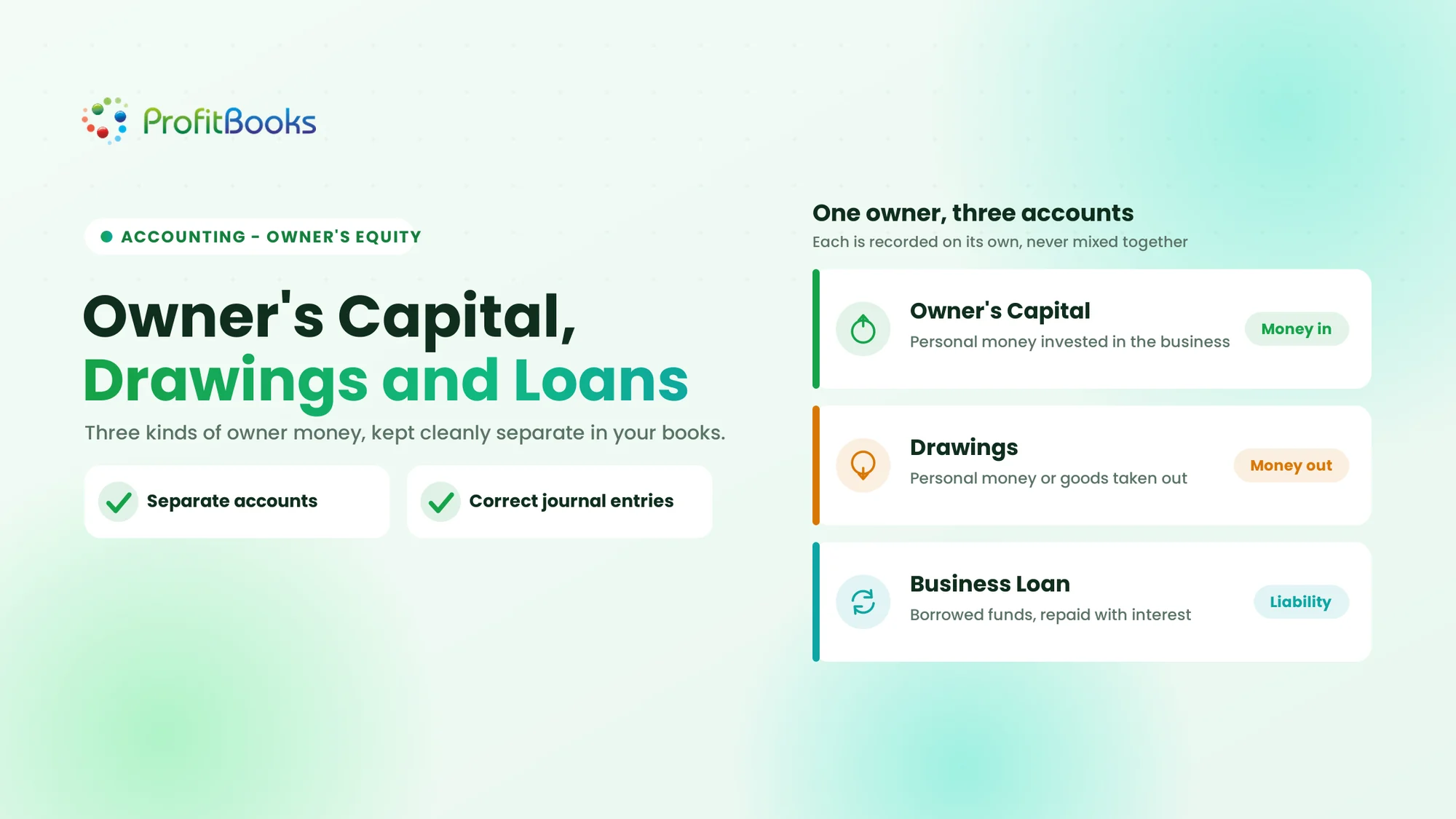
- Liabilities: Bills you owe, unearned revenue, loans
- Equity: What's left over (initial investment + retained earnings)
The balance sheet tells you your financial position at a moment in time. It's what investors review during due diligence to see if you're solvent.
Cash Flow Statement
This tracks actual money movement—not accounting entries. It shows:
- Operating activities: Cash from customers, cash paid to vendors
- Investing activities: Equipment purchases, asset sales
- Financing activities: Money raised, loan repayments
The cash flow statement answers the most important question: "How long until we run out of money?" You can be profitable on paper but run out of cash if customers don't pay on time. That's why the statement of accounts tracking who owes you money is critical.
Practical takeaway: Check your P&L to understand profitability. Check your cash flow statement to understand survival.
Setting Up Your Bookkeeping System (The Foundation)
Bookkeeping is the daily practice of recording every transaction in the right category. Get this wrong, and every report you generate will be garbage.
Step 1: Open Separate Business Accounts
Mixing personal and business finances is the fastest way to create accounting chaos. Open:
- A business checking account for daily operations
- A separate savings account for tax reserves
- A dedicated account for payroll (if you have employees)
Use your business account for everything business-related. No exceptions. Not even "just this once" UPI payments from your personal account.
Step 2: Set Up Your Chart of Accounts (COA)
Your COA is your financial filing system. Every transaction gets assigned to an account category. Most accounting software gives you a default COA, but you need to customize it for startup life.
Add accounts like:
- Cloud Infrastructure (AWS, GCP, hosting)
- SaaS Tools (Notion, Slack, analytics)
- Payment Processing Fees (Stripe, Razorpay)
- Contractor Payments
- Customer Acquisition Cost (ads, marketing tools)
Delete irrelevant accounts like "Inventory" if you're a SaaS business. A bloated COA makes categorization harder and reports messier. When you set up your COA properly in ProfitBooks, transaction categorization becomes intuitive. You're not guessing whether that Vercel charge is "Software" or "Hosting"—you've already created a specific account for it.
Step 3: Implement Daily Transaction Logging
This is the discipline that separates clean books from chaos:
- Log every expense immediately with a receipt attached
- Record every invoice the moment you send it
- Categorize transactions as they happen, not at month-end
Modern accounting software syncs with your bank via automatic feeds, but you still need to review and categorize. A transaction labeled "RAZORPAY SETTLEMENT" doesn't tell you which customer paid or which invoice it cleared.
Practical takeaway: Spend five minutes daily logging transactions. It's infinitely easier than reconstructing a month's worth of payments from memory.
Invoicing and Accounts Receivable (Getting Paid Properly)

Revenue doesn't count until you collect it. Too many startups celebrate closed deals but ignore invoice vs bill discipline.
Create Professional, Detailed Invoices
Every invoice should include:
- Invoice number (sequential, never reused)
- Issue date and due date
- Itemized breakdown of services
- Payment terms (Net 30, Net 45)
- Payment instructions (bank details, UPI, payment gateway link)
- GST details if applicable
Send invoices immediately after delivering the service or hitting a milestone. Don't wait until month-end.
Track Accounts Receivable Aging
This report shows how long invoices have been outstanding:
- 0–30 days: Normal collection period
- 31–60 days: Follow-up required
- 61+ days: Serious collection risk
If your AR aging report shows ₹5 lakh in overdue invoices, your cash flow is broken even if your P&L looks profitable. Set up automated payment reminders at day 7, day 20, and day 35.
Knowing the difference between quotes, estimates, and proposals also prevents confusion during the sales cycle, so clients know exactly what they're committing to.
Handle Refunds and Credits Properly
When a customer requests a refund:
- Issue a credit note (don't just delete the invoice)
- Record the refund transaction
- Adjust your revenue for that period
Chargebacks and disputes need the same treatment. If you don't track them properly, your revenue reports will be inflated.
Stop Chasing Payments Manually
ProfitBooks automatically tracks invoice status, sends payment reminders, and updates your AR aging report so you always know who owes you money—without the spreadsheet chaos.
Practical takeaway: Revenue you can't collect is just a number on a screen. Track AR aging weekly and follow up relentlessly.
Expense Management and Accounts Payable (Controlling Spend)
Expenses are where startups bleed cash without realizing it. Subscription creep is real—tools you signed up for six months ago are still charging you monthly.
Categorize Expenses Correctly
Don't dump everything into "General Expenses." Break it down:
- Fixed costs: Salaries, rent, core software
- Variable costs: Ads, freelancers, cloud usage
- One-time costs: Equipment, legal fees
This granularity helps you identify what's driving your burn rate. If you're spending ₹80k monthly on tools but only ₹20k on customer acquisition, you have a problem.
Review Vendor Payments and Subscriptions Monthly
Pull a report of all recurring charges. Ask:
- Are we still using this tool?
- Can we downgrade to a cheaper tier?
- Is this expense generating ROI?
Cancel ruthlessly. Every ₹5k monthly subscription you don't need adds two weeks to your runway.
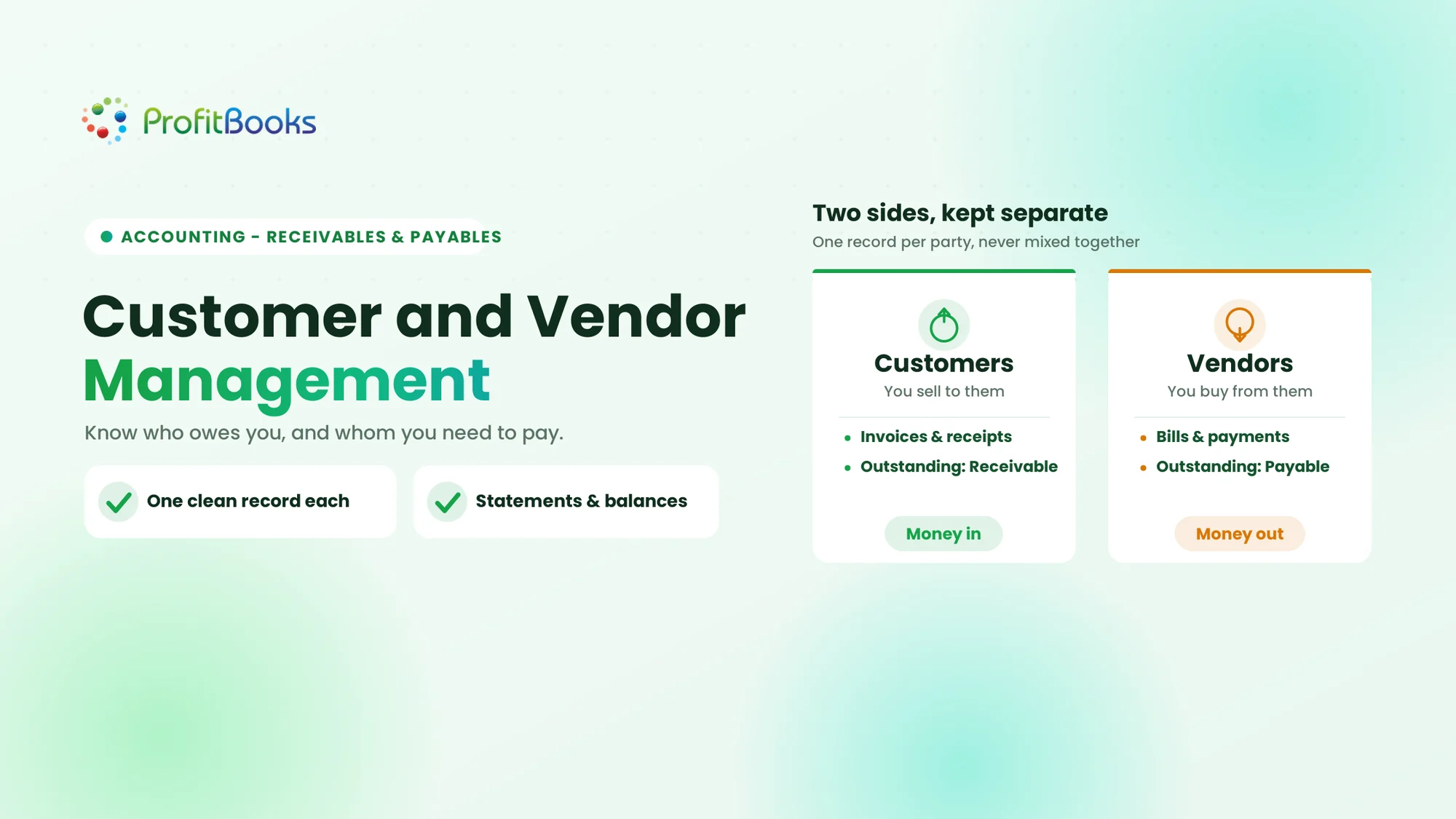
Manage Contractor and Vendor Payments
Contractors usually invoice monthly or per milestone. Track:
- Invoice received date
- Payment due date
- Actual payment date
Late payments damage relationships. Early payments damage cash flow. Use your accounts payable aging report to optimize payment timing.
Practical takeaway: Audit your subscriptions quarterly. Most startups waste 15–20% of their budget on tools they've forgotten about.
Payroll, Contractors, and Reimbursements (The Common Mess)
This is where founders make expensive mistakes. Payroll isn't just "pay people money."
Employee Payroll Requirements
If you have employees, you need to:
- Withhold TDS (Tax Deducted at Source)
- Contribute to PF (Provident Fund) and ESI if applicable
- Issue payslips with proper breakdowns
- File monthly payroll returns
Use payroll software (Razorpay Payroll, Zoho Payroll) to automate this. Manual calculation leads to errors that trigger penalties.
Contractor Payments
Contractors are simpler but still need documentation:
- Signed contract or agreement
- Invoices for each payment
- TDS deduction if payment exceeds threshold
- Form 16A issued to contractor
Don't pay contractors via personal UPI without documentation. It looks suspicious during audits and makes expense categorization impossible.
Employee Reimbursements
When team members pay for business expenses personally:
- Require receipt submission within 7 days
- Categorize the expense properly
- Reimburse within your payment cycle
- Don't mix reimbursements with salary payments
Practical takeaway: Payroll and contractor payments have legal requirements. Automate them or hire help—don't wing it.
Taxes and Compliance Without the Panic
Tax compliance sounds terrifying, but it's mostly about deadlines and documentation.
GST Basics for Startups
If your annual turnover exceeds ₹20 lakh (₹10 lakh for services), GST registration is mandatory. You'll need to:
- Charge GST on invoices
- File monthly or quarterly returns
- Maintain input-output tax records
Your accounting software should generate GST-compliant invoices automatically and track input tax credits.
Income Tax and TDS
Startups need to:
- File annual income tax returns
- Deduct TDS on contractor payments, rent, and professional fees
- Issue TDS certificates (Form 16A)
Miss a TDS deadline, and you'll pay interest plus penalties.
Keep Audit-Ready Documentation
Maintain organized records of:
- All invoices (sent and received)
- Bank statements
- Expense receipts
- Contracts and agreements
- Payroll records
Store these digitally with proper backups. When an auditor asks for a receipt from eight months ago, you should find it in under 60 seconds.
Practical takeaway: Tax compliance is about staying organized and hitting deadlines. Set calendar reminders for every filing date.
Founder Metrics: What to Track Beyond Revenue

Investors want to see more than top-line revenue. Track these metrics monthly:
Burn Rate and Runway
- Burn rate: Monthly cash expenditure
- Runway: Months until you run out of cash (Cash ÷ Burn Rate)
If you have ₹30 lakh in the bank and burn ₹5 lakh monthly, your runway is six months. Start fundraising or cutting costs now.
Gross Margin
Gross Margin = (Revenue - COGS) ÷ Revenue
This shows how much you keep after direct costs. SaaS startups should aim for 70–80% gross margins.
Customer Acquisition Cost (CAC)
CAC = Total Sales & Marketing Spend ÷ New Customers Acquired
If you're spending ₹50k to acquire customers who pay ₹2k monthly, your payback period is 25 months. That's unsustainable.
Retained Earnings
This shows cumulative profit or loss since inception. Negative retained earnings mean you've lost more than you've made—totally normal for early-stage startups, but investors want to see the trend improving.
Practical takeaway: Revenue growth is exciting, but burn rate and runway determine whether you survive long enough to succeed.
Your Monthly Accounting Checklist (The Operating Routine)
Here's your 30-minute monthly routine:
Week 1 (First week of the month):
- ☐ Reconcile last month's bank transactions
- ☐ Review and categorize any uncategorized expenses
- ☐ Send outstanding invoices and follow up on overdue payments
Week 2:
- ☐ Review accounts payable and schedule vendor payments
- ☐ Check subscription charges for any unexpected increases
- ☐ Process employee reimbursements
Week 3:
- ☐ Generate and review P&L statement
- ☐ Check cash flow position and update runway calculation
- ☐ Review burn rate vs. budget
Week 4:
- ☐ Update cap table if any equity changes occurred
- ☐ Set GST/TDS reminders for upcoming deadlines
- ☐ Prepare any investor or board reporting materials
This checklist keeps your books current without weekend cleanup marathons.
Run This Checklist in Minutes, Not Hours
ProfitBooks automates bank reconciliation, expense categorization, and report generation so your monthly routine takes 30 minutes instead of 3 hours.
Common Mistakes and How to Avoid Them
Mistake 1: Waiting Until Tax Season to Organize
Reconstructing months of transactions from memory is error-prone and time-consuming. Log daily, review weekly, reconcile monthly.
Mistake 2: Using Personal Accounts for Business Expenses
This pierces your liability protection and creates a categorization nightmare. Open separate business accounts immediately.
Mistake 3: Ignoring Accounts Receivable
Uncollected invoices tank your cash flow. Track AR aging and follow up on overdue payments every week.
Mistake 4: Not Customizing Your Chart of Accounts
Generic COA templates don't fit startup operations. Customize it to reflect your actual expense categories.
Mistake 5: Mixing Revenue and Cash Flow
Just because you invoiced ₹10 lakh doesn't mean you have ₹10 lakh to spend. Track both separately.
Mistake 6: DIY Bookkeeping Beyond Your Skill Level
If accounting feels overwhelming, hiring a CPA is cheaper than fixing months of mistakes. The same logic applies on the operations side — before assuming executive help is out of reach, check the fractional COO hourly rate range. Part-time senior ops leadership is often cheaper than the runway you burn running things yourself. But even with professional help, you still need organized books.
Practical takeaway: Most accounting disasters come from neglect, not complexity. Stay consistent with the basics.
Final Thoughts: Accounting as Your Growth Asset
Accounting becomes easy once the system is set. You're not trying to be a chartered accountant—you're trying to understand your numbers well enough to make smart decisions.
When investors ask about your burn rate, you should answer in under 30 seconds. When tax season arrives, your records should already be organized. When you're deciding whether to hire, your cash flow forecast should tell you if you can afford it.
Clean books aren't a compliance chore. They're the foundation that lets you scale with confidence instead of chaos.
Founders shouldn't spend weekends fixing spreadsheets. ProfitBooks keeps your books organized in the background, so you always know your cash flow, burn, and key reports without the stress.
Get started free and set up your accounting system in under an hour.
FAQ
What is startup accounting?
Startup accounting is the system that tracks revenue, expenses, and cash flow so founders can understand their financial position, make informed decisions, and stay ready for investor due diligence and tax compliance.
What's the difference between cash flow and profit?
Profit measures whether you're earning more than you're spending after accounting for all obligations. Cash flow tracks actual money moving in and out of your bank account. You can be profitable but cash-poor if customers haven't paid yet.
What is bookkeeping and why does it matter?
Bookkeeping is the daily practice of recording and categorizing every transaction. It matters because without accurate bookkeeping, your financial reports are meaningless and you can't make data-driven decisions.
What should a monthly accounting routine look like?
Reconcile bank transactions, review expenses, send invoices, follow up on overdue payments, check P&L and cash flow, track burn rate and runway, and prepare for upcoming tax deadlines. This takes 30 minutes if your books are current.
When should I hire professional accounting help?
Hire help when bookkeeping drains significant founder time, when you're preparing for fundraising, or when you have employees requiring payroll compliance. Even with professional help, maintain organized records yourself.