How to record owner contribution in the business?
Owners or co-founders keep investing in their own businesses during early stage of their startup or even at later stage. This helps them to improve the company’s cashflow or make funds available for new equipment, paid marketing or hiring additional staff.
Recording capital investments of your own money or your business partner’s money is important for keeping company accounts accurate and up to date.
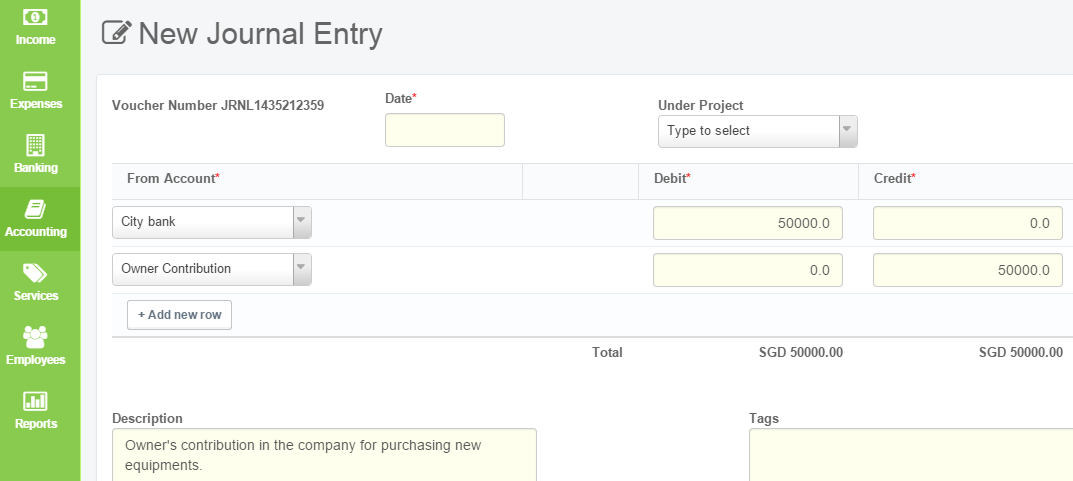
Lets assume that the business owner has transferred some funds into company’s account from his personal account. According to one of the 3 golden rules of accounting, you’ll have to debit the receiver and credit the giver.. You can do this by passing a journal entry.
How to record owner contribution in ProfitBooks.
Login to your ProfitBooks account.
Go to Accounting and open Chart Of Accounts
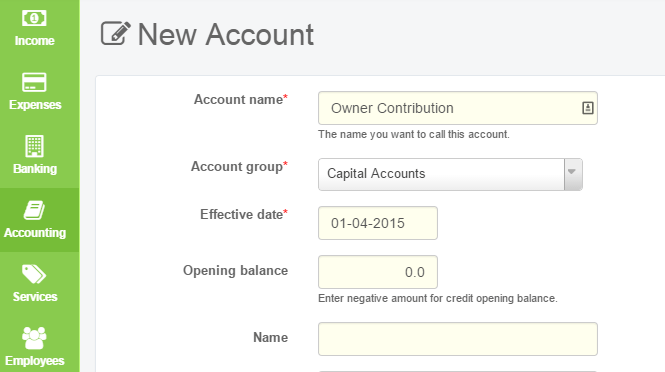
Create an account for Owner’s Contribution under ‘Capital Accounts’ head
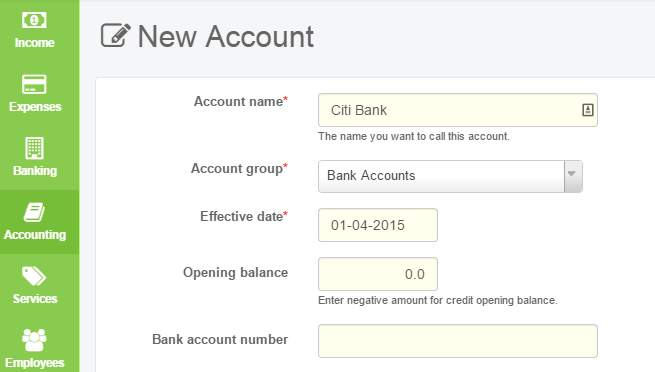
Similarly create a bank account
Go to Accounting and open Journal Entry
Click on Add New Record button.
Select the bank account and enter the amount in Debit column
Select the capital account and enter the amount in Credit column
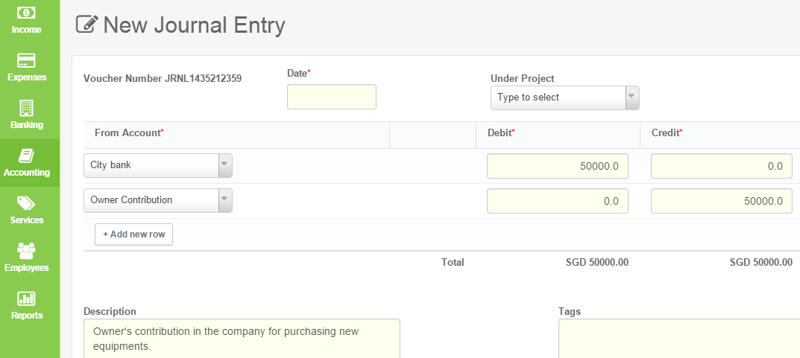
Thats it! Save the record.