

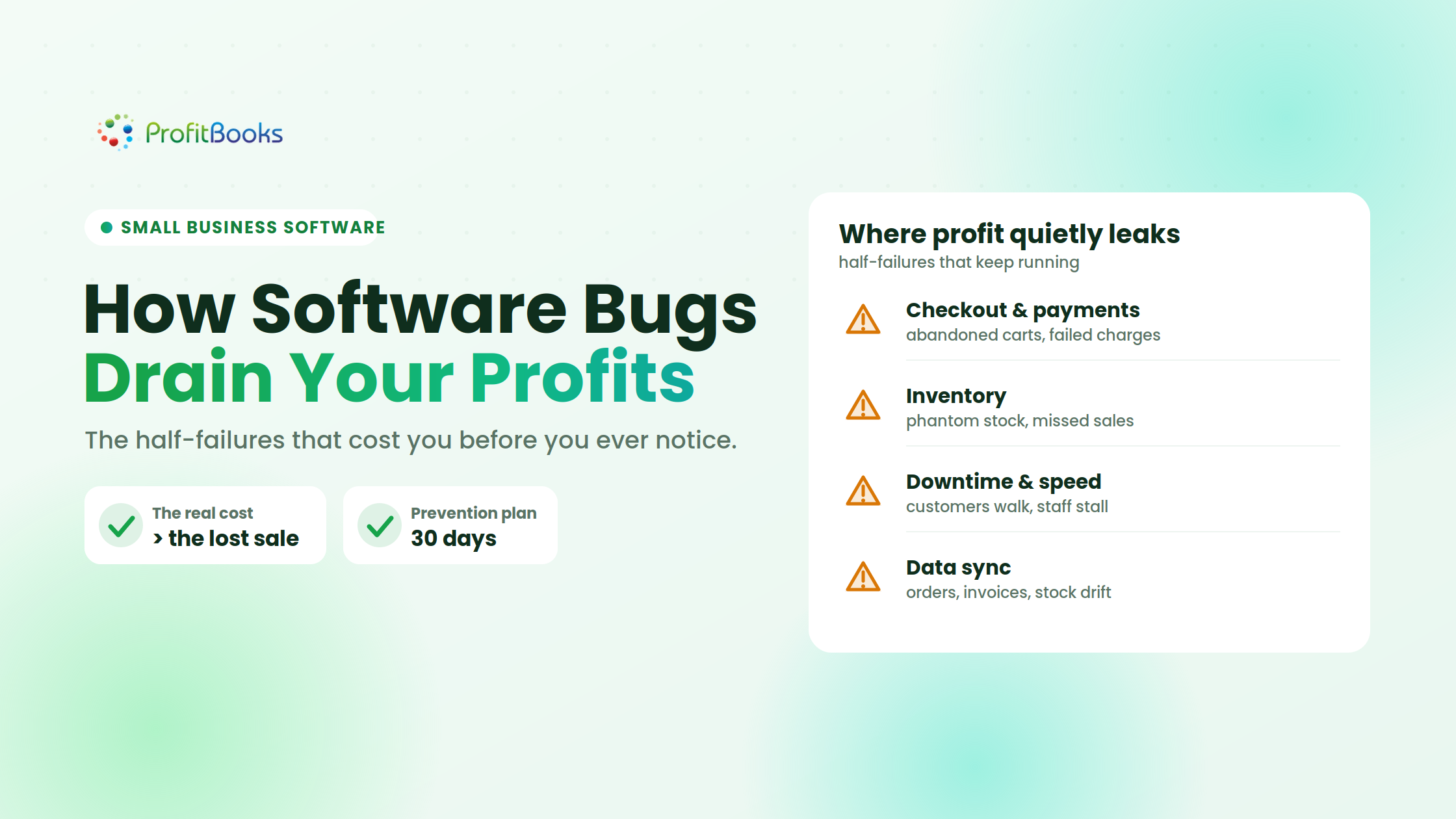
Software bugs don’t always come with a website crash or a screen full of error messages. This can look like a customer quietly walking away when a payment fails, an invoice landing with a client with the wrong tax amount, or a popular product appearing to be out of stock when it’s still in your warehouse. These are not just technical issues for a small business. They are profit leaks.
Large companies might have dedicated engineering, quality assurance, finance, and customer support teams to detect and absorb such failures. A small business typically doesn’t. The problem is discovered only by the founder, accountant, operations manager, or customer service executive after money has been lost or a customer has complained.
The good news is that you don’t need an enterprise-scale tech team to mitigate that risk. You need to know where the bugs tend to hide, measure what they cost, and develop a practical habit of testing the workflows that matter most for your business.
Software bugs drain small business profits through half-failures that keep the system running while quietly losing money: failed checkouts, wrong invoices, phantom stock, and downtime. You catch them early by testing your money-critical workflows, automating repetitive checks, and monitoring what customers actually experience, no large QA team required.
Most costly bugs are not dramatic crashes. They are half-failures that keep running while leaking revenue, inflating support work, and eroding trust. Small businesses can manage them as financial risks by focusing on the workflows that touch money.
- The real cost of a bug is more than the lost sale: add correction, support, wasted ad spend, fees, and future customer loss.
- Bugs hide in checkout and payments, inventory, downtime, and data-sync between connected systems.
- Test your five money-critical journeys, including the exceptions, not just the happy path.
- Automate stable repetitive checks and monitor real customer signals to shorten how long an issue stays hidden.
A “small” bug can create a surprisingly large loss
Most business owners evaluate software by asking a simple question: “Is it working?”
But software seldom breaks so cleanly and so obviously.
Your online store might be compatible with most of the customers, but not with a specific payment method. Your invoicing system may calculate GST correctly for normal sales but not when you apply a discount and a credit note together. Your inventory tool can remove stock for an online order, but not for a sale made manually at the counter. These are half failures. Since the system keeps running, they can stay hidden for days or even weeks.
Suppose a small online business gets 100 checkout attempts a day. If a browser-specific payment bug causes just three customers per day to abandon checkout, then the business could be losing around 90 potential orders in a month. The problem can also lead to lower conversion rates, more customer complaints, and discouraged shoppers who are impacted and less likely to return.
The visible loss is the missed order. The hidden losses include wasted advertising spend, additional support work, refund charges, accounting corrections, and customers who don’t return.
Where software bugs quietly eat into profit
Software bugs can potentially affect almost anything in a small business: customer payments, invoicing, inventory, or accounting. These are some of the most common places where these problems quietly eat away at profits.
Checkout and payment failures: Checkout bugs can cause payment failures, unresponsive buttons, incorrect discounts, lost cart items, and payment-status errors, making it essential to monitor each funnel stage for sudden drop-offs.
Inventory mismatches and phantom stock: Inventory bugs can cause missed sales, cancellations, refunds, and unhappy customers, while regular stock counts and reliable inventory practices help identify discrepancies early. Regular inventory reconciliation helps businesses compare physical stock with system records and identify recurring discrepancies.
Downtime and slow performance: Downtime and slow performance can drive customers away and reduce employee productivity, so businesses should monitor the availability and speed of critical workflows.
Integration and data-sync errors: Regular reconciliation of payments, orders, invoices, shipments, returns, and stock records helps detect delayed, duplicated, changed, or missing data across connected systems.

The real cost goes beyond the original transaction
When estimating the cost of a bug, founders often count only the obvious lost sale or refund. That understates the damage. Use this simple model:
Total Bug Cost = lost revenue + correction cost + support cost + acquisition waste + penalties or fees + future customer loss
Suppose an invoice bug affects 50 customers:
- Ten customers delay payment while waiting for corrected invoices.
- Your team spends several hours finding and fixing the records.
- Two customers contact support more than once.
- Your accountant spends additional time reconciling the month.
- One customer begins to doubt whether your business can handle a larger order.
The incorrect invoices are only the first layer of cost. The larger effects include operational disruption, delayed payments, additional accounting work, and loss of trust. This is why bugs should be prioritized by business risk, not by how dramatic they appear. Founders should also understand the common invoicing mistakes startups must avoid.
A minor color mismatch on an internal page may have almost no financial effect. A rounding error of one rupee may appear small, but become serious when repeated across thousands of invoices.
How to catch costly bugs early without a large QA team
Small businesses don’t require a big QA team to detect costly software bugs before they affect customers and revenue. Automation and monitoring can help them identify problems sooner and reduce financial risk, focusing on key business workflows and realistic scenarios.
Start with your five money-critical journeys: Don’t treat every screen equally. Test the workflows that directly affect revenue, payments, invoicing, tax, inventory, financial reporting, and customer trust. Document each change from beginning to end. Document the systems involved, the expected results, and the person responsible. Create a regression checklist for future changes.
Test the exceptions, not only the happy path: Standard scenarios rarely reflect how customers actually behave, so test multiple promotions, payment timeouts, partial refunds, offline transactions, simultaneous purchases, and unusually long customer details. For invoice workflows, include discounts, returns, credit notes, and tax variations to ensure you can create GST invoices correctly, as these combinations often reveal revenue-impacting bugs missed by basic testing.
Automate the repetitive checks: Automate your stable, money-critical workflows, login, product search, checkout, invoice calculations, inventory updates, and financial reports, so they are validated on every change. If you are new to this, testRigor’s guide to AI-powered automated testing is a practical place to learn how it works, what these tools can check, and how non-technical teams can set it up. Automation gives you an early-warning system for unexpected breakages while your people stay focused on new features and business decisions.
Monitor what customers actually experience: Keep an eye on real-time signals such as payment failures, abandoned checkouts, invoice adjustments, negative inventory, unmatched orders, pending refunds, slow response time, and recurring error messages. Log any reported issues with the affected transaction, financial impact, steps to reproduce, date, owner, and current status so they don’t fall through the cracks.
Test every change before it reaches everyone: Before releasing software updates, plug-ins, and configuration changes to all users, test them in a separate environment with sample data. For riskier changes, roll out gradually, test affected workflows and integrations, back up critical data, designate someone to monitor the release, and have a clear rollback plan.

Keep your invoicing and inventory numbers trustworthy
ProfitBooks handles GST invoicing, inventory, and financial reporting in one place, so fewer calculation and stock bugs reach your customers and your books. Try it free on your own data.
A practical 30-day bug-prevention plan
You can improve software reliability without turning your company into a technology project.
Week 1: Find the profit leaks
- List your five money-critical customer and back-office journeys.
- Review the previous three months of refunds, invoice corrections, stock adjustments, payment failures, and support complaints.
- Estimate the direct and operational cost of repeated issues.
- Rank problems by frequency and financial impact.
Week 2: Build the essential checks
- Create a short test checklist for each critical journey.
- Include normal cases, failure cases, and unusual combinations.
- Assign an owner and define the expected result for every check.
- Prepare secure samples of customer data, products, invoices, and payment data.
Week 3: Add automation and alerts
- Automate a few stable, repetitive, high-value scenarios.
- Track checkout completion, payment success, invoice edits, stock differences, and system response times.
- Send alerts to a channel someone actually watches and resolves.
- Make sure alerts describe the business event, not just a technical error code.
Week 4: Run a failure drill
- Simulate a failed payment callback, an incorrect stock sync, or an invoice calculation issue.
- Check how quickly the team notices it.
- Confirm who pauses transactions, communicates with customers, corrects data, and validates recovery.
- Update the checklist based on what was unclear.
Repeat this review monthly and before seasonal campaigns, major sales, tax deadlines, or system migrations.
Track a few metrics that connect bugs to money
You don’t need a dashboard with 50 numbers. Start with metrics that reveal business impact:
Payment success rate: Successful payments divided by total valid payment attempts.
Checkout completion rate: Completed orders divided by checkouts started.
Invoice correction rate: Revised or canceled invoices divided by total invoices.
Inventory accuracy: Items with matching physical and recorded quantities divided by items counted.
Order reconciliation gap: Orders without matching payment, invoice, or shipment records.
Mean time to detect: How long a customer-impacting issue exists before you notice it.
Mean time to recover: How long it takes to restore the workflow and correct affected records.
Estimated revenue at risk: Failed transactions multiplied by the relevant average order value.
Review trends rather than isolated numbers. One failed payment may be normal. A sudden increase after an update is a warning.

Reliability is a growth strategy
Founders naturally focus on getting customers, shipping features, and growing revenue, but growth built on faulty systems can amplify losses through bad checkouts, inventory mismatches, and wrong invoices. Catching these bugs early protects cash flow, margins, employee time, compliance, and customer confidence.
Businesses don’t need to fix every defect, but they must address issues that affect revenue, inventory, taxes, and trust. By mapping critical journeys, testing realistic exceptions, automating repeatable checks, reconciling connected systems, and monitoring customer activity, businesses can manage software bugs as preventable financial risks.
Frequently asked questions
How do software bugs cause small businesses to lose money?
Most costly bugs are half-failures: the system keeps running while a payment method fails for some customers, an invoice miscalculates tax, or stock shows incorrectly. The visible loss is one missed sale, but the full cost adds correction time, extra support, wasted ad spend, refund fees, and customers who do not return.
Where do software bugs most often hurt profit?
In the workflows that touch money: checkout and payments, invoicing and tax, inventory (including phantom stock), downtime and slow performance, and data-sync errors between connected systems. These are the areas worth testing and monitoring first.
How can a small business catch bugs without a QA team?
Focus on your five money-critical journeys, test the exceptions and not just the happy path, automate stable repetitive checks so they run on every change, monitor real customer signals like failed payments and abandoned checkouts, and test every update in a separate environment before it reaches all users.
What is the true cost of a software bug?
Use this model: lost revenue + correction cost + support cost + acquisition waste + penalties or fees + future customer loss. A single wrong invoice can trigger delayed payments, hours of fixes, repeat support contacts, extra accounting work, and lost trust, well beyond the original transaction.
Which metrics show whether bugs are costing money?
Track payment success rate, checkout completion rate, invoice correction rate, inventory accuracy, order reconciliation gap, mean time to detect, mean time to recover, and estimated revenue at risk. Watch the trend rather than a single reading; a sudden jump after an update is the warning sign.
How often should a small business test its critical workflows?
Run a light monthly review of your critical journeys, and always retest before seasonal campaigns, major sales, tax deadlines, or system migrations, which is when hidden bugs are most likely to cost real money.
Run your numbers on software that is built to balance
Fewer invoicing, tax, and inventory bugs start with accounting software designed for small businesses. Open a free ProfitBooks account and test invoicing, inventory, and reporting on your real data.