The Best Ecommerce Accounting Software for Online Sellers in 2026
On this page 21 sections
Imagine a small skincare brand that started on Shopify with around 80 orders a month. As sales grew, it expanded to Amazon, PayPal, and wholesale, eventually processing more than 2,000 orders every month across multiple sales channels. Revenue increased, but so did the complexity of managing payouts, refunds, marketplace fees, inventory, and taxes. Suddenly, the spreadsheet that once worked became the biggest bottleneck in the business.
That's when growing ecommerce businesses need more than manual bookkeeping. They need accounting software that accurately records every sale, expense, tax, and payout while providing a clear picture of profitability and cash flow.
In this guide, we'll explain when it's time to move beyond spreadsheets, what ecommerce accounting software actually does, and compare some of the best solutions available in 2026 to help you choose the right one for your business.
Quick Summary
Here's what you'll learn in this guide:
- Ecommerce accounting software becomes essential once you outgrow spreadsheets and start selling across multiple channels.
- Choose your accounting software based on your sales channels, transaction volume, and reporting needs, not just its feature list.
- Clean accounting depends on clean data. Automation tools break out sales, fees, refunds, and taxes before they reach your books.
- The right combination of accounting software and automation shortens month-end close, improves reconciliation, and gives you accurate financial reports you can trust.
When Do Sellers Outgrow Spreadsheets?
Let's take that skincare brand again. At 80 orders a month on a single channel, a spreadsheet was fine. At 2,000 orders across Shopify, Amazon, PayPal, and a Faire wholesale line, that one file has turned into four payout schedules, three fee structures, and sales tax owed in seven states nobody was tracking. The breaking point tends to look the same from one business to the next:
- More than two channels, so matching payouts to sales is a part-time job
- Monthly close takes days because the data is scattered across five places
- Collected sales tax isn't separated, so you can't tell what you owe
- COGS is estimated, not calculated, and margins are guesses
- Outstanding invoices pile up faster than anyone can chase them
As transaction volumes grow, maintaining accurate records becomes increasingly important. Marketplace reports, payment processor payouts, and accounting records should reconcile consistently to avoid reporting discrepancies and simplify tax compliance.
What Is Ecommerce Accounting Software?
Ecommerce accounting software is the system that records what you sold, what you spent, what you owe in tax, and whether you made a profit, built for businesses that sell online. It's your ledger, your financial reports, and your tax records in one place. Popular ecommerce accounting platforms such as ProfitBooks, QuickBooks Online, Xero, and Zoho Books help businesses manage bookkeeping, invoicing, inventory, tax reporting, and financial reporting from one place. Additional automation tools can further simplify the process by synchronizing data from ecommerce platforms and payment gateways.
With global retail ecommerce sales set to reach $6.88 trillion in 2026, about 21% of all retail worldwide, more sellers are hitting the point where the urge for accounting software stops being optional.
How We Evaluated These Tools
We evaluated each platform based on:
- Ease of use
- Ecommerce integrations
- Inventory management
- Reporting capabilities
- Automation features
- Pricing
- Scalability
- Customer support
- Suitability for different business sizes
This comparison is intended to help online sellers choose the software that best matches their operational needs rather than recommending a one-size-fits-all solution.
Which Ecommerce Accounting Software Fits Which Kind of Seller
There's no single best tool — there's a best fit for how you sell. The key questions are:
- How many channels do you run?
- How much volume do you push?
- How international are you?
- How much do you want to manage yourself?
But before you pick from the list of solutions below, one thing matters more than any feature comparison: your accounting software is only as good as the data flowing into it. None of these platforms was built to untangle a Shopify or Amazon payout on its own, let alone reconcile four channels at once, so feeding them by hand puts you right back in spreadsheet territory. That's the gap an accounting automation tool like Synder fills.
1. Synder — Ecommerce Accounting Software Connector
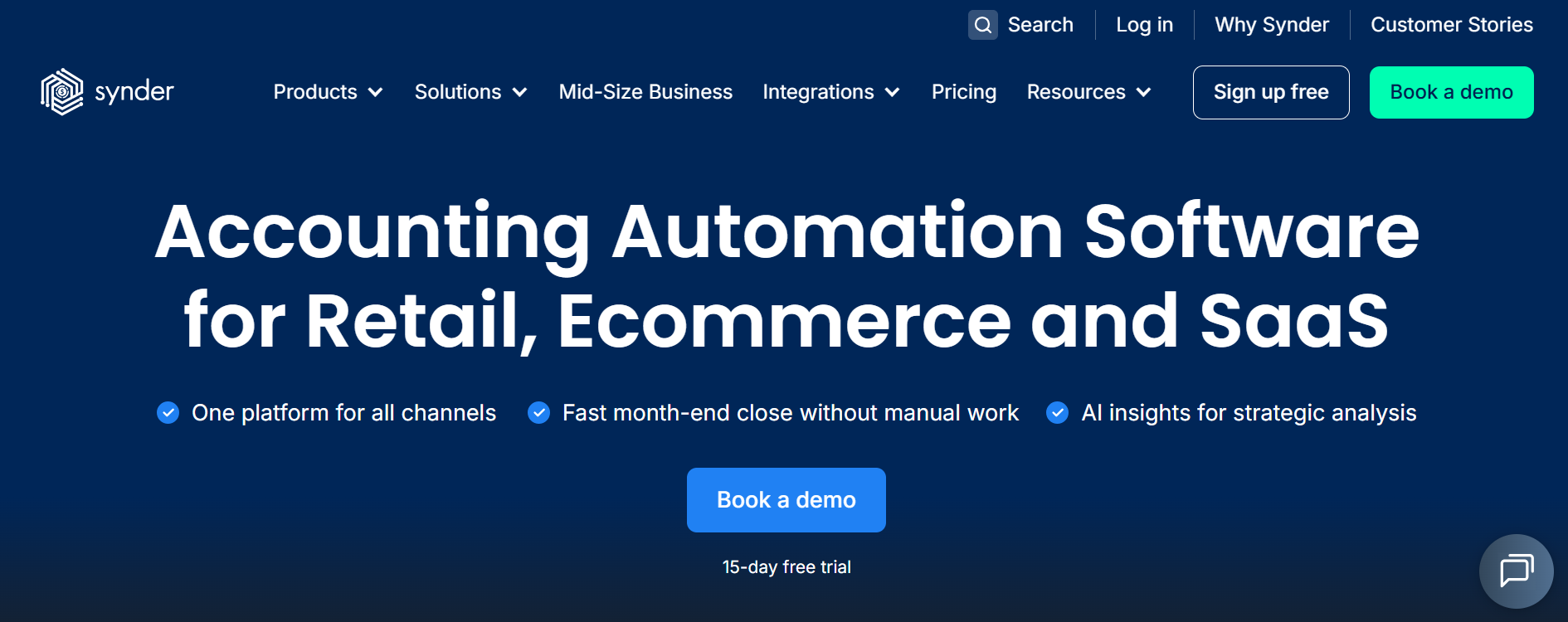
Synder is a solution for ecommerce accounting software and online sellers that pulls sales, fees, refunds, and taxes from 30+ platforms into your accounting system. Everything arrives already broken out, so your books stay clean and complete instead of filling up with lump-sum deposits nobody can explain. Whichever tool below you choose, this is what keeps it accurate.
Core features:
- 30+ integrations across sales channels, payment processors, and accounting systems (Shopify, Amazon, Stripe, PayPal, Square, eBay, and more)
- Two sync modes: Per Transaction (line-level detail) and Summary Sync (consolidated daily, monthly, or per-payout entries)
- Transaction reconciliation, matching platform data against your books before it posts
- COGS and inventory tracking with product and SKU mapping
- Sales tax automation and marketplace-facilitator tax handling
- Multi-currency with FX gain/loss posting
- Revenue recognition (ASC 606 / IFRS 15) for subscription businesses
- Smart Rules for custom automation, plus historical data import
- SOC 2 Type 2, GDPR, and HIPAA-ready security
Pricing:
| Plan | Price (US/mo) | What's Included |
|---|---|---|
| Basic | $52 | Up to 500 transactions/month, 2 integrations, single channel |
| Essential | $92 | Up to 3,000 transactions/month, unlimited integrations |
| Pro | $220 | Up to 20,000 transactions/month, multiple users |
| Pro Max | $480 | Up to 40,000 transactions/month, custom modifications & custom development |
| Premium | Custom | Enterprise volumes (unlimited transactions) with dedicated support |
Ideal for: multi-channel sellers and accountants who need clean, automated data flowing into QuickBooks Online, Xero, or another ledger.
2.ProfitBooks — All-in-One for Small Businesses
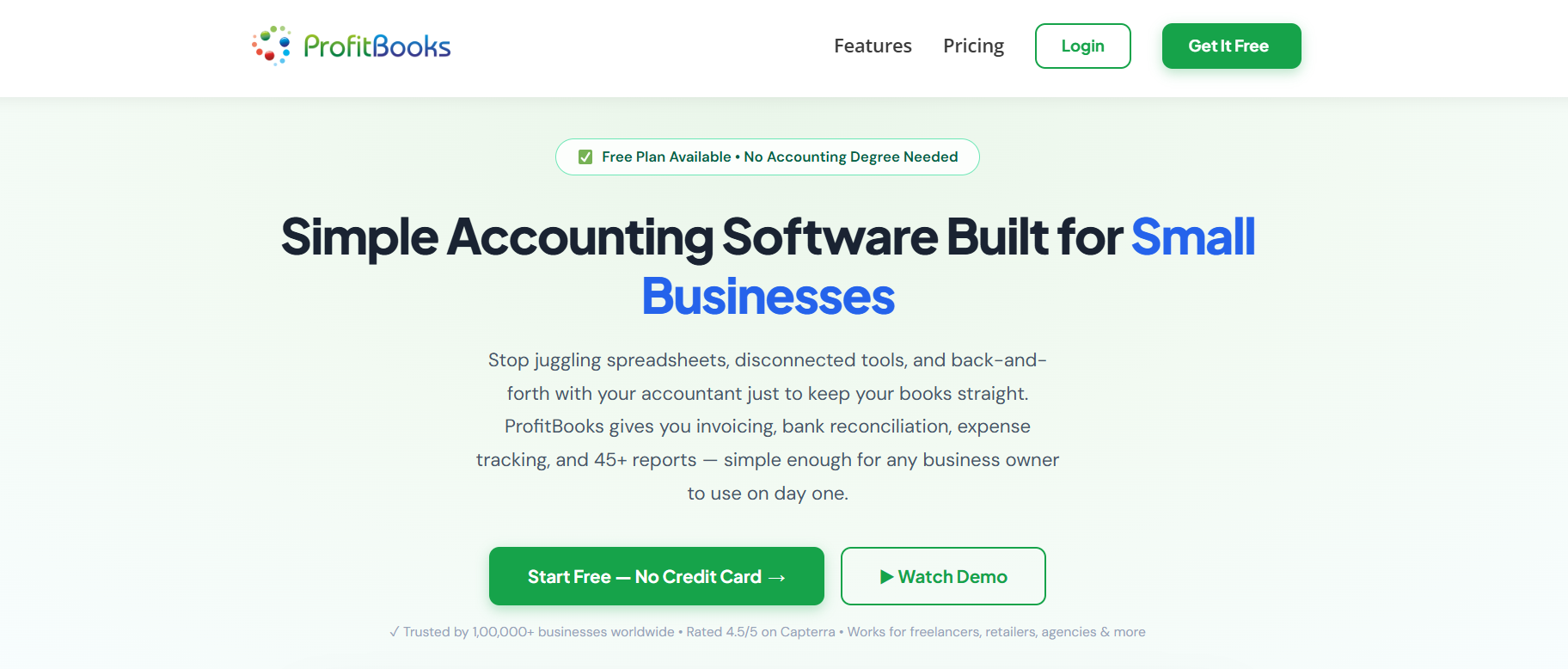
ProfitBooks is an all-in-one cloud accounting platform designed for small businesses that want accounting, invoicing, inventory management, banking, and financial reporting in a single application. Its clean interface, affordable pricing, and built-in inventory features make it particularly suitable for growing ecommerce businesses that don't need enterprise-level complexity.
Businesses selling through one or two ecommerce channels can comfortably manage their finances within ProfitBooks. As transaction volumes increase or operations become more complex, additional automation or marketplace integrations may be useful to further streamline data synchronization.
Core features:
- Invoicing and billing with reminders
- Inventory management across multiple warehouses
- Receivables and payables tracking
- Financial reports and ledger exports
- Payroll and multicurrency on higher tiers
Pricing:
| Plan | Price (US/mo) | What's Included |
|---|---|---|
| Startup | Free | 1 user, 10 invoices/month, basic financial reports, 1 warehouse |
| Essential | $10 | 1,000 invoices/year, invoice reminders, GST filing |
| Growth | $20 | 10 users, payroll, multicurrency, and 3 warehouses |
| SMB Pro | $35 | 25 users, unlimited invoices, warehouses, and projects |
Ideal for: small businesses and growing sellers wanting one system for accounting and inventory.
3. QuickBooks Online — The US Default
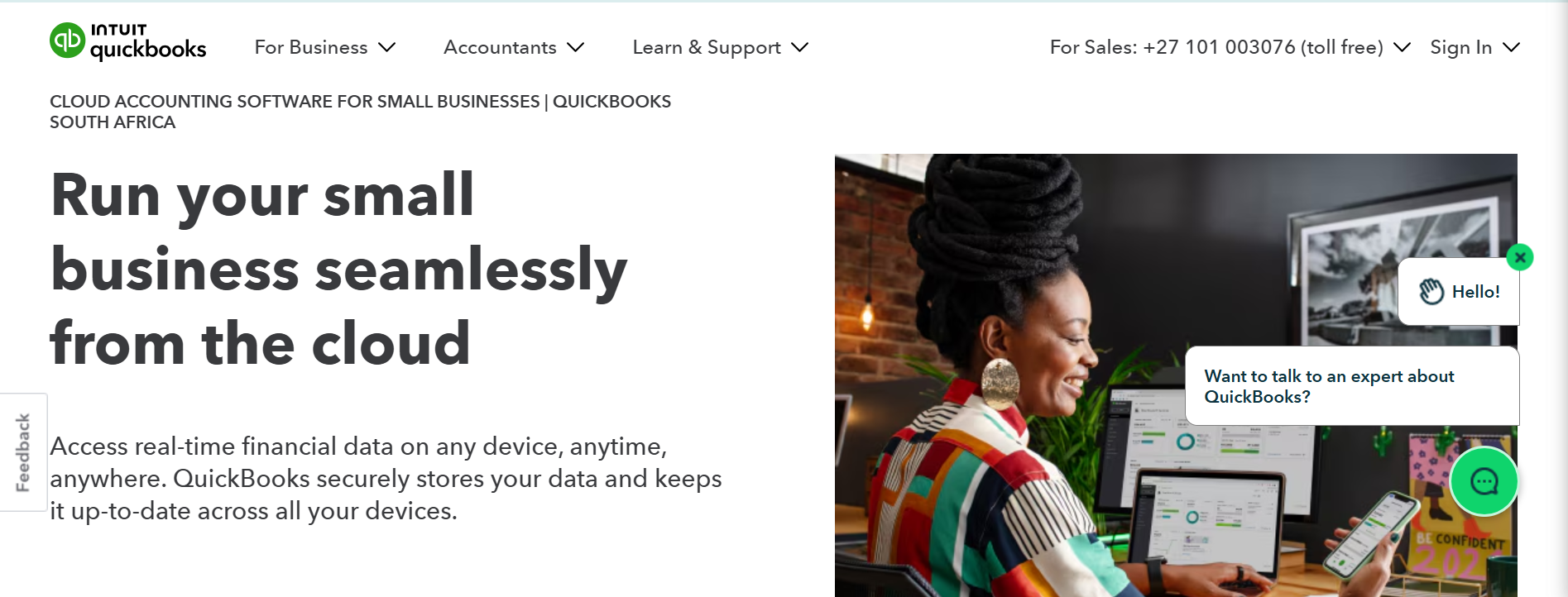
QuickBooks Online is the default system of record for most US-based sellers, with the deepest app ecosystem in the category and the audit-ready statements your CPA expects. What it doesn't do well on its own is ecommerce: out of the box, it sees a Shopify or Amazon payout as a single deposit.
That's where automation takes over. Synder's QuickBooks Shopify integration maps your Shopify orders, payouts, and fees straight into QuickBooks Online, and with the same tool you can connect PayPal with QuickBooks, along with Amazon, Stripe, Square, and many other popular platforms. Each deposit gets broken out into sales, fees, refunds, and tax, so the books reconcile against real sales.
Core features:
- Invoicing, billing, and bank reconciliation
- Inventory and project profitability tracking
- Audit-ready financial statements
- Sales tax tools and multi-user roles
- Large library of app integrations
Pricing:
| Plan | Price (US/mo) | What's Included |
|---|---|---|
| Simple Start | $35 | Core bookkeeping, invoicing, and basic reports for one user |
| Essentials | $65 | Adds bill management, multiple users, and time tracking |
| Plus | $99 | Adds inventory tracking and project profitability |
| Advanced | $235 | Adds advanced reporting, more users, and workflow automation |
Ideal for: US sellers who want a proven, scalable system that integrates with nearly everything.
4. Xero — Best for Cross-Border Sellers
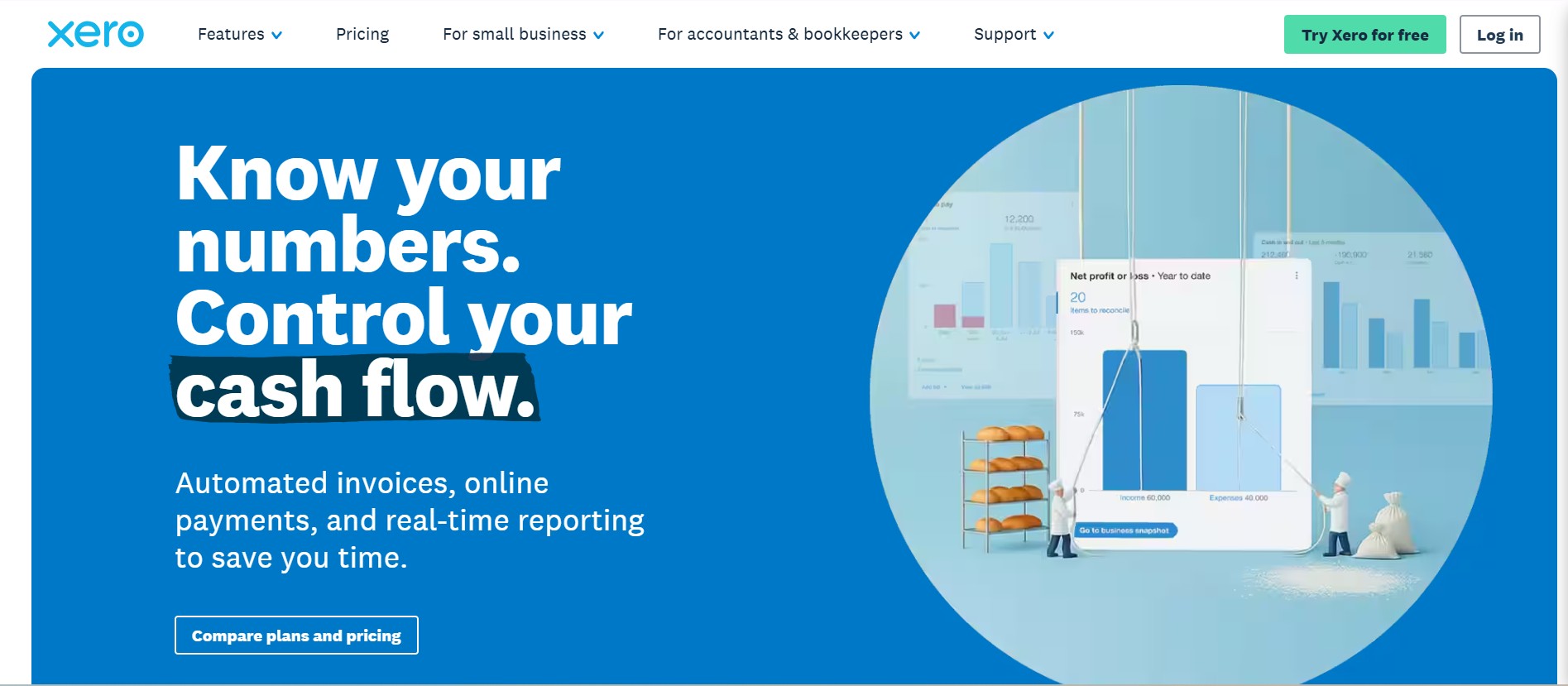
Xero is the strongest fit for sellers who operate across borders, with a modern cloud-native ledger that expands cleanly as they grow. The trade-off is US-specific depth: its native US sales tax tooling is lighter than QuickBooks Online's, which is why many US sellers pair it with a tool that automates tax tracking.
Core features:
- Built-in multi-currency support
- Unlimited users on every plan
- Invoicing, bills, and bank reconciliation
- International VAT and GST handling
- Large library of ecommerce app connections
Pricing:
| Plan | Price (US/mo) | What's Included |
|---|---|---|
| Early | $20 | Limited invoices and bills, bank reconciliation, basic reports |
| Growing | $47 | Unlimited invoices and bills, bulk transaction reconciliation |
| Established | $80 | Adds multi-currency, projects, and expense claims |
Ideal for: international and multi-currency ecommerce businesses.
5.Zoho Books — The Budget Pick
Zoho Books is the value pick, especially for sellers already using other Zoho tools, offering real accounting software without QuickBooks-level pricing. Its limitation for ecommerce is integration depth: its marketplace and payment-processor connections are lighter than QuickBooks Online's or Xero's, so a high-volume multi-channel seller may outgrow it.
Core features:
- Invoicing and expense tracking
- Recurring transactions and automation
- Bills, projects, and purchase orders
- Inventory tracking on higher tiers
- Tight integration with the wider Zoho suite
Pricing:
| Plan | Price (US/mo) | What's Included |
|---|---|---|
| Free | $0 | Core accounting for businesses under $50K annual revenue, one user |
| Standard | $15 | Invoicing, expense tracking, and recurring transactions |
| Professional | $40 | Adds bills, projects, and sales/purchase orders |
| Premium | $60 | Adds budgeting, custom workflows, and vendor portal |
| Elite | $120 | Adds advanced inventory and multi-currency handling |
| Ultimate | $275 | Adds advanced analytics and higher usage limits |
Ideal for: budget-conscious sellers and those already in the Zoho ecosystem.
At a Glance: How They Compare
| Tool | Type | Best for | Watch out for |
|---|---|---|---|
| Synder | Automation tool | Multi-channel sellers connecting their platforms to a ledger | Not a ledger itself — works alongside accounting software |
| ProfitBooks | Accounting software | Small businesses wanting all-in-one accounting + inventory | Lighter native US marketplace integrations than QuickBooks Online or Xero |
| QuickBooks Online | Accounting software | US sellers wanting the widest app ecosystem | Native ecommerce handling is thin on its own |
| Xero | Accounting software | International and multi-currency sellers | Fewer US-specific tax features than QuickBooks Online |
| Zoho Books | Accounting software | Budget-conscious sellers in the Zoho ecosystem | Lighter marketplace integrations |
What to Look For in Ecommerce Accounting Software
Ask any bookkeeper who handles online sellers, and they'll point to the same handful of jobs — the things a good system does so you don't have to:
Why Ecommerce Makes It Harder
A physical store rings up a sale, and the cash is the cash. Sell online, and the money arrives as payouts from several platforms at once — Shopify here, Amazon there, PayPal and Stripe on their own schedules — each one landing days later, already netted of fees and refunds, in its own format.
The same principle applies even when the product catalog looks straightforward. A jewelry store selling dozens or hundreds of individual designs still needs to keep sales, inventory quantities, product costs, returns, and payment settlements aligned. For an online brand such as Shrishtvi, which sells across categories including earrings, necklaces, bracelets, and rings, maintaining accurate product-level records is part of maintaining accurate financial records.
So a single deposit lies. When $4,200 arrives from Shopify Payments, the real story might be $4,800 in sales, $180 in fees, $120 in refunds, and $300 in sales tax you're holding for the state. Now multiply that by four platforms, each with different fee structures and payout timing, and you can see why the jobs above get hard fast. The more channels you add, the more the books drift from reality.
The Takeaway: How to Choose the Right Accounting Software
Remember that skincare brand drowning in 2,000 orders a month and 15 hours of spreadsheet wrangling? They picked the accounting software that fit a seller their size, then let an automation tool pipe in clean, broken-out numbers instead of feeding it jumbled payouts by hand (garbage in, garbage out). That 15-hour month shrank to a couple of hours, and they could finally tell which products turned a profit.
You can get to the same place. Start with your channels and volume rather than the feature list, pressure-test the pricing at next year's numbers, and demo with your own messy data before you commit. Then pick the software that fits where you sell and how you're taxed, choose for the business you'll be in a year, and feed it good data from day one.
This is why your shortlist should weigh two things the feature pages gloss over: how cleanly a tool pulls each channel's payouts apart, and whether it can do that automatically as you add platforms. Get that right and every other job on the list gets easier.
FAQ
Can ecommerce accounting software handle inventory and COGS?
Sometimes, but it depends on how complex your inventory is. Tools with built-in inventory tracking can apply a costing method and post COGS as you sell, but if you run many SKUs, bundles, or multiple warehouses, you may need stronger inventory features or a supporting app. Accurate COGS also relies on clean sales and fee data flowing into your books in the first place.
Do I still need an accountant if I use accounting software?
Software helps, but it doesn't replace professional guidance. Many sellers still work with an ecommerce-focused accountant or bookkeeper to get the setup right, keep financials clean, and stay tax-ready as the business grows. Think of the software as the system and the accountant as the person who makes sure it's telling the truth.
Can ecommerce accounting software handle sales tax automatically?
Most setups can separate collected sales tax from revenue and map it to the right account, so your books stay accurate and filing is simpler. They generally don't remit the tax for you, though. For multi-state nexus tracking and filing, sellers often add a dedicated tax service or work with a CPA alongside their software.
How much does ecommerce accounting software cost?
Core accounting platforms generally run from around $15 to $235 a month, depending on tier and features, with free plans available for very small sellers. Watch the transaction and channel limits as closely as the sticker price, since costs often climb as your volume grows. If you add an automation tool to connect your channels, budget for that separately.
Do I need a connector or automation tool on top of my accounting software?
If you sell on a single channel at low volume, your accounting software's built-in tools are usually enough. Once you run two or more channels or push a few thousand transactions a month, matching payouts to sales by hand gets slow and error-prone. That's the point where an automation tool like Synder, which feeds clean, broken-out data from your sales channels into QuickBooks Online or Xero, pays for itself.
One system for accounting and inventory.
ProfitBooks brings invoicing, inventory, banking, and financial reporting into a single application — built for growing sellers who don't need enterprise-level complexity.
✅ Invoicing & Reminders
✅ Free Startup Plan