Is ProfitBooks really free, or is "free" just a trial?
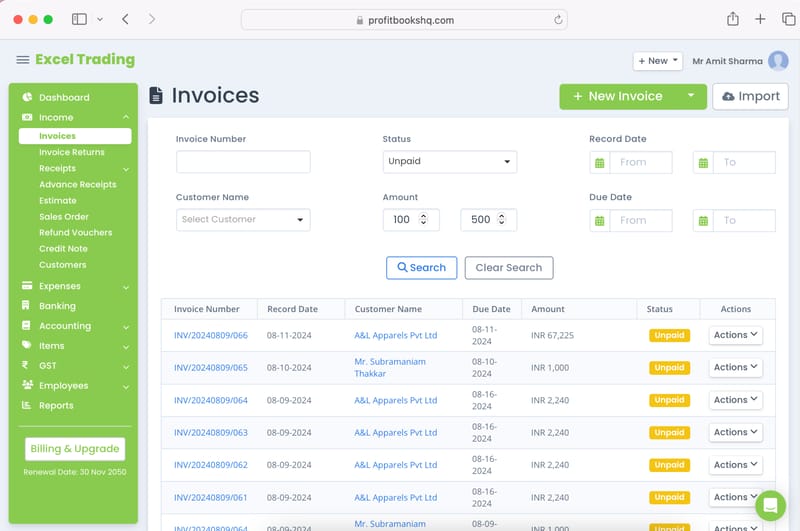
ProfitBooks offers a genuinely free plan with no time limit. You can create unlimited invoices, record expenses, manage inventory and run financial reports at no cost. There's no credit card required to sign up. We offer premium paid plans for businesses that need multiple users, advanced integrations or priority support, but the free plan is free forever.
How is ProfitBooks different from QuickBooks or Zoho Books?
QuickBooks charges from day one and assumes you understand accounting terminology. Zoho Books limits invoices and users on its free plan. ProfitBooks was built for Indian SMBs and growing global businesses that need a complete tool: GST-ready invoicing, inventory management, expense tracking, tax compliance and 50+ reports. You don't pay accounting-software prices or need accounting knowledge to use it.
Do I need any accounting knowledge to use ProfitBooks?
No. ProfitBooks is designed for business owners, not accountants. You don't need to know what a journal entry, debit or credit is, because the software handles that in the background. Enter your invoices, expenses and purchases in plain English and ProfitBooks builds your books. If you have an accountant or CA, invite them for free.
Does ProfitBooks handle GST filing in India?
Yes. ProfitBooks is fully GST-compliant and supports GSTR-1, GSTR-3B filing and purchase reconciliation. Your invoices automatically apply the correct CGST, SGST and IGST rates. HSN and SAC codes are pre-loaded. You can export ready-to-file GST returns or use ProfitBooks' filing assistance to submit them directly. Businesses in other countries can use it for VAT or sales tax compliance too.
Can ProfitBooks replace my spreadsheet accounting system?
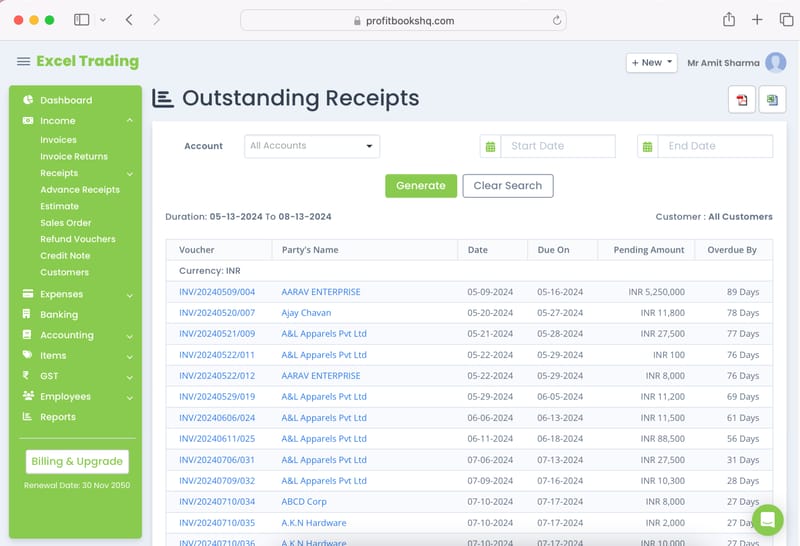
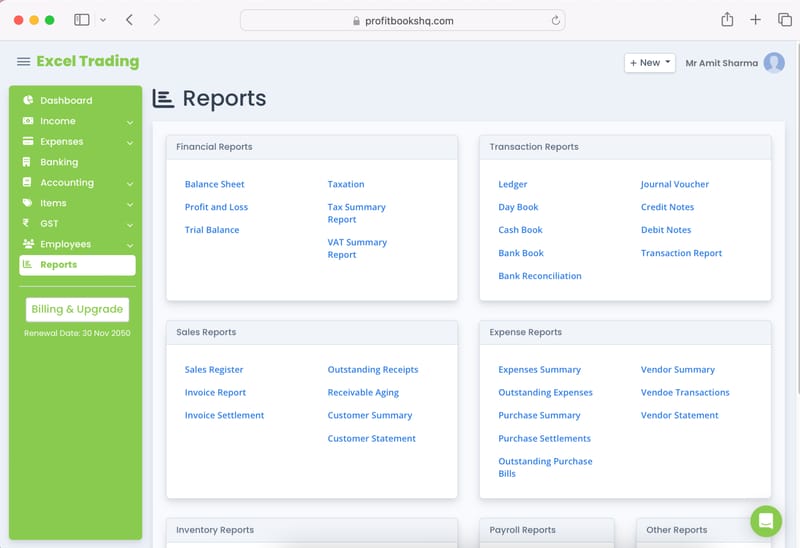
Yes, and most users make the switch in a single afternoon. Excel accounting has no automatic tax calculations, no payment tracking, no real-time reports and no audit trail. ProfitBooks handles all of this automatically. You enter transactions once and your Balance Sheet, P&L, cash flow and GST reports update in real time. No formulas. No version conflicts. No lost files.
Does ProfitBooks work for freelancers and solo consultants?
Yes. Freelancers are some of ProfitBooks' most loyal users because the free plan is genuinely complete. You can create professional GST invoices, collect payments via UPI or card and track who owes you money. You can also record expenses and generate the reports your CA needs at year-end, without accounting knowledge or a monthly subscription fee.
Can I manage inventory alongside my accounting in ProfitBooks?
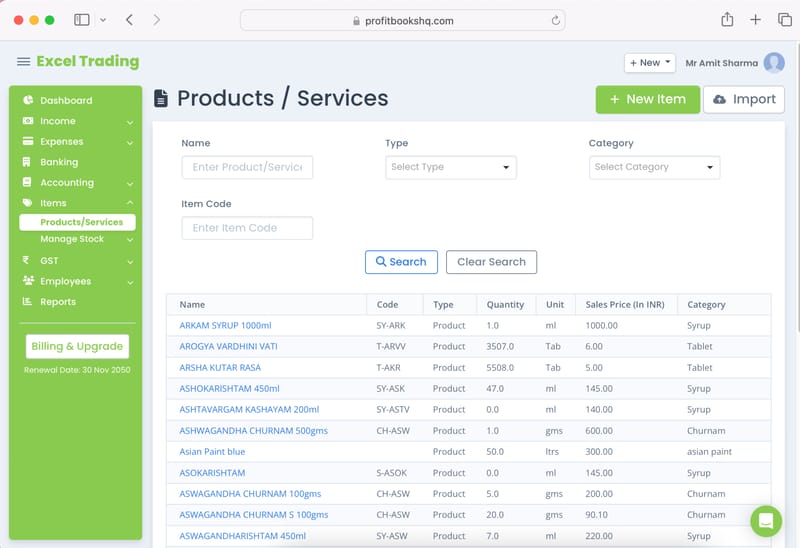
Yes. ProfitBooks includes full inventory management built into the accounting, so you don't need a separate system. You can track stock across multiple warehouses, record raw material consumption and production of finished goods, handle stock transfers and wastage, and create purchase orders. Every inventory movement automatically updates your books. This is particularly useful for retailers, traders and manufacturers.
How many users can I add to my ProfitBooks account?
The free plan supports a single user, which is ideal for freelancers and small businesses. The premium plan lets you add team members with role-based access at an affordable monthly cost. For example, add a billing executive who creates invoices, a warehouse manager who updates stock or your CA who reviews reports.
Is my financial data safe in ProfitBooks?
Yes. ProfitBooks is a cloud-based platform with industry-standard encryption and regular automated backups. Your data is never stored on a local device, so it's safe even if your laptop is lost or stolen. You can access your accounts securely from any browser or via the iOS and Android mobile apps.
Can I switch to ProfitBooks if I'm currently using Tally or Excel?
Yes, and many ProfitBooks users have migrated from both. Tally requires installation, has a steep learning curve and lacks cloud access. Excel breaks down as your transaction volume grows. ProfitBooks is cloud-based, accessible from anywhere, and takes most businesses under 30 minutes to set up. Our support team and Help Centre migration guides help you get started.